
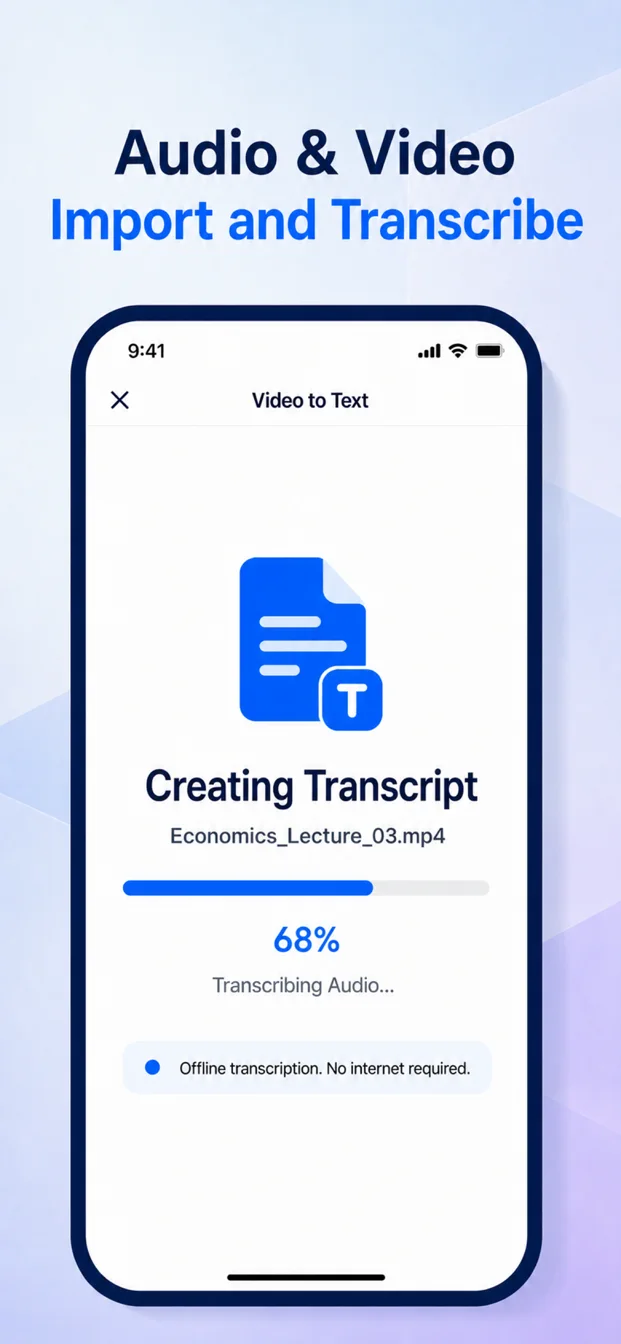
Open File Transcription
Choose an audio or video source from Files, Photos, or an available system share action.
Confirm the speech language
Select the language spoken in the file so the correct Apple speech model can be prepared.
Let the device create the transcript
BeginClass copies the selected media into its private workflow and transcribes supported content on-device.
Open the saved note
The result is added to Notes, where you can search, translate, replay, summarize, and export it.