
Open the class note
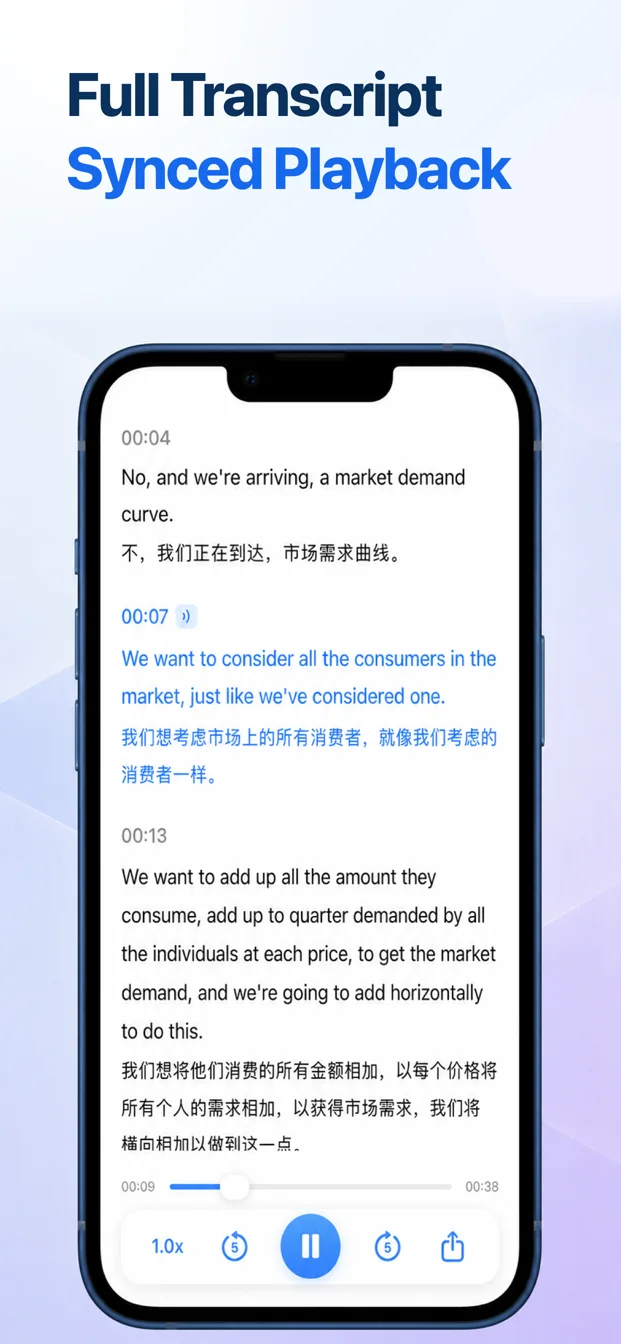
Find the note by title or transcript search and open the Transcript tab.
Replay with the text
Play, pause, change playback speed, skip backward or forward, and move through the transcript alongside the recording.
Use bookmarks and translation
Return to marked moments and translate saved transcript segments when a second language helps.
Generate or review an AI summary
For the manual path, open the AI Summary tab and choose Generate Summary. The current transcript is then sent through BeginClass’s AI service. If automatic summaries are enabled, an eligible lecture can also be processed after it finishes. Merely opening the tab sends nothing.
Export what you need
Share text, audio, or both when the note needs to move into another study workflow.