Choose the speech language
Select the language the speaker is actually using. BeginClass prepares the matching Apple speech model before the session starts.
Start listening
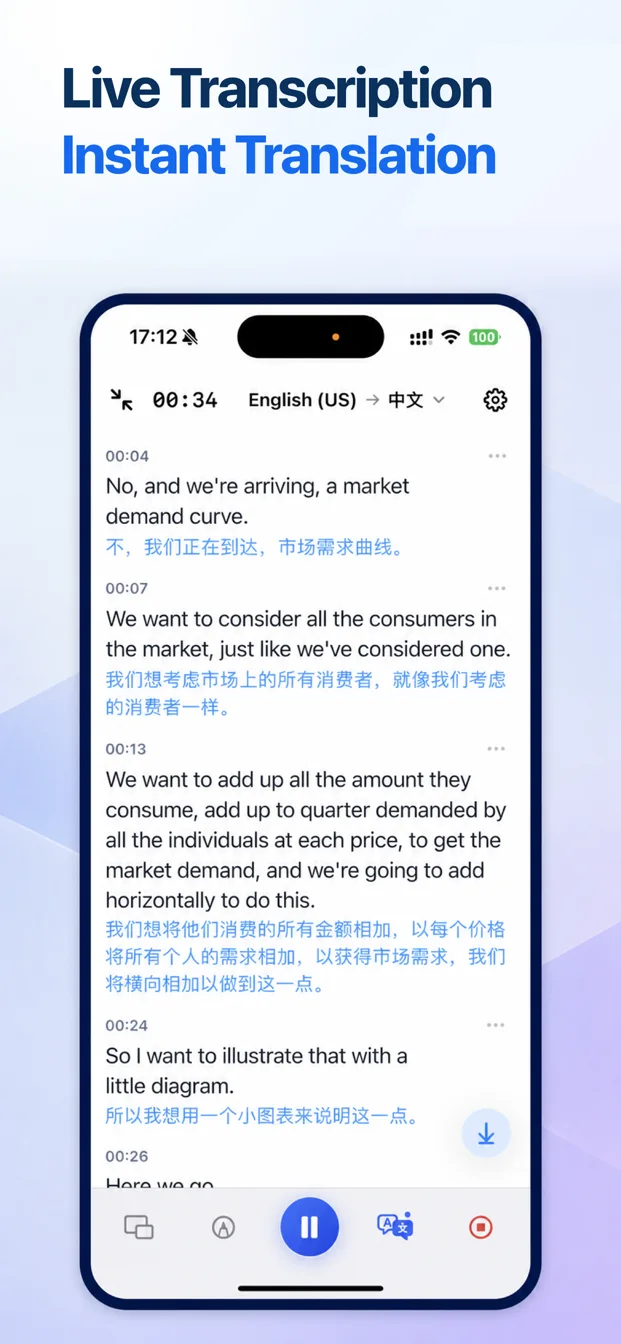
Open Live Transcription and begin recording. Timestamped text appears as stable speech segments are recognized.
Enable translation when needed
Choose a supported target language. Original text and translation can appear together, in full screen, or in floating captions.
Bookmark important moments
Add a bookmark when the lecture reaches an exam topic, definition, quotation, or follow-up task.
Finish and save
End the session to keep the recording, transcript, translation, and bookmarks in one note.